
- Published
- 8 October 2026
- Last reviewed
- 8 October 2026
How to use these FAQs
Protect important accounts, choose recovery methods carefully and respond safely when access is at risk.
Select a question to expand its answer. The first answer is open initially; each answer can be opened or closed independently. These are original RDE practical explanations. Any example described as fictional is a teaching scenario.
Common questions
Should I reuse a password for several accounts?
Use a different strong password for each important account so that one exposed password does not provide the same access elsewhere. A reputable password manager can help manage unique passwords. Follow workplace requirements for work accounts. Do not keep a list in an unprotected shared document merely because remembering several passwords is difficult.
Does multi-factor authentication remove every risk?
No. It adds protection, but deceptive sign-in pages, compromised devices or inappropriate access can still cause problems. Use the strongest suitable method offered and check the provider’s instructions. Treat an unexpected approval request as a warning to investigate through a trusted route, rather than approving it just to stop repeated notifications.
Where should I keep recovery information?
Use a secure location appropriate to the account and recovery method, separate from easy public access. Check who needs authorised access for organisational accounts. Keep provider instructions available and review whether recovery contact details remain current. Do not publish recovery codes in a portfolio screenshot or store the only copy inside the account they are meant to recover.
What if I lose access to my second factor?
Use the provider’s official recovery route and follow the organisation’s process for work accounts. Do not give codes or passwords to someone who contacts you claiming to recover the account. Check the address or application through a trusted route. Recovery can take time, which is why planning alternative authorised access before a loss is useful.
How should I check whether a security message is genuine?
Avoid using a link in the message as your only verification. Open the service through a known address or application and check its security information. Contact support using details obtained independently. A familiar logo or urgent warning does not establish authenticity, and a message can be misleading even when it mentions a real service you use.
What should I do if I suspect an account is compromised?
Use a trusted device and the provider’s official guidance to secure the account, review access and update recovery details. Report work-account concerns through the organisation’s incident route. Consider affected linked services and warn the relevant owner where necessary. Preserve useful information for investigation without sharing passwords, and do not assume that changing one setting resolves every consequence.
Put one answer into practice
Choose the question closest to your current task. Write one action in your own notes, identify the information or permission you need and set a review point. Use the related resources below to develop the task further. No response is submitted or stored by this page.
Sources and scope
The sources below provide relevant context and terminology. The examples, practical suggestions and wording are original RDE teaching material. Apply your organisation’s policies and the guidance relevant to your situation. Reviewed 8 October 2026. Author: Jefferson Otonbara Imgbi.
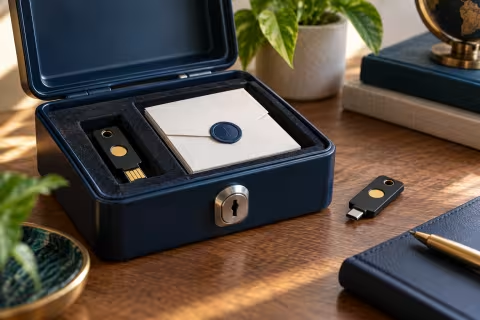
Cover image: AI-generated illustrative scene created specifically for this resource.